

MS's Unintentional Release of OneDrive Photos App on Windows 11
MS has acknowledged to Windows Latest that the AI-powered OneDrive Photos app was accidentally distributed more widely than planned on Windows 11. This error caused the app to appear on enterprise PCs, where it is non-functional, leading to inconvenience for users and administrators.
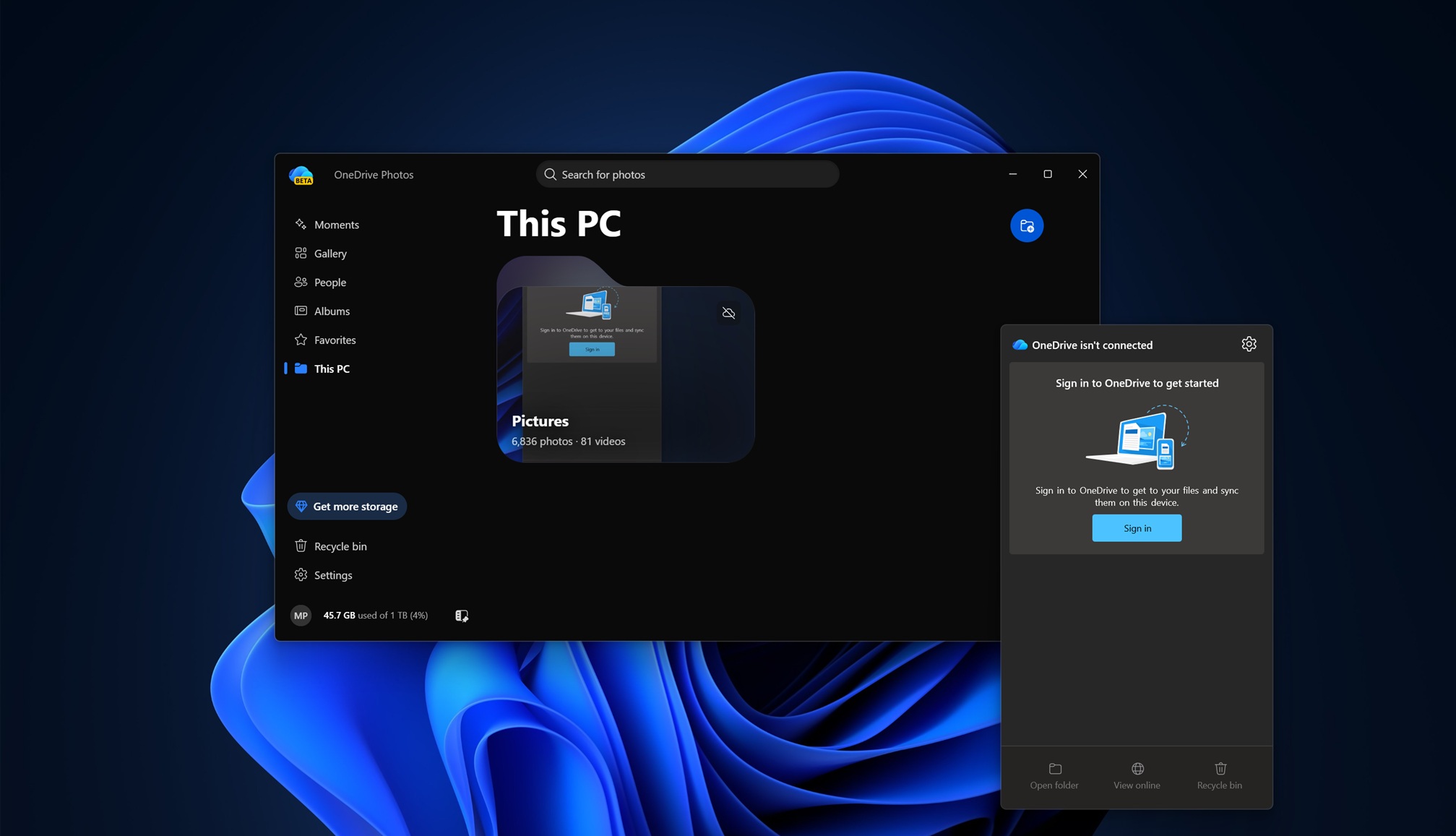
The company has announced plans to “resolve the issue,” which may include rolling back the app for certain users. However, it is likely to remain on most consumer PCs. If you haven’t come across the app yet, here is its default interface (it automatically gains access to all folders on your PC):

Overview of the OneDrive Photos App on Windows 11
OneDrive Photos is not a completely new feature, as it was initially introduced to Windows Insider users earlier this year. Since August 1, 2026, the app has been quietly rolled out to consumer PCs with the OneDrive sync client installed. However, MS has clarified that this broader release was unintentional.
“We are testing a new photos experience in OneDrive, which was deployed more widely than intended on Windows,” MS explained in a statement to Windows Latest. “We’re working to fix this. Windows Photos will always provide the option to access both local and cloud photos, allowing users to choose whether or not to use OneDrive.”
Currently, OneDrive Photos cannot be uninstalled from PCs without removing the entire OneDrive application. However, MS intends to allow users to uninstall the app independently in the future.
Key Features of OneDrive Photos
OneDrive Photos integrates photos from both local storage and the cloud. By default, it has access to all photos on your PC, including locations beyond the standard Pictures folder, even if you are not signed in.
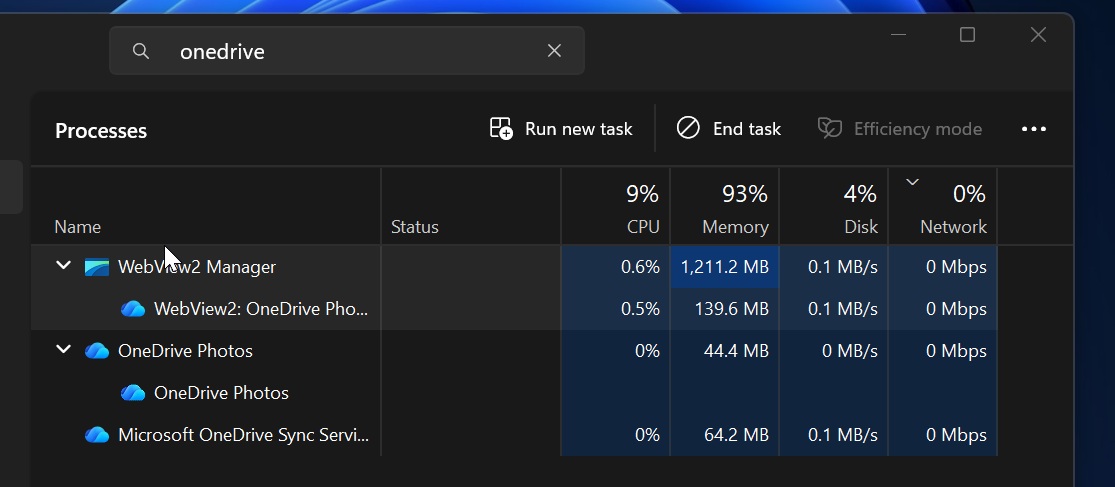
The app is powered by MS Edge-based WebView2 and essentially functions as a web app. Despite this, it is well-optimized and typically uses less than 1GB of memory on systems with 32GB of RAM, although usage can rise to 1-2GB during heavy photo browsing. According to MS, the app replicates the photo experience available on the OneDrive web and mobile platforms, ensuring consistency across devices.
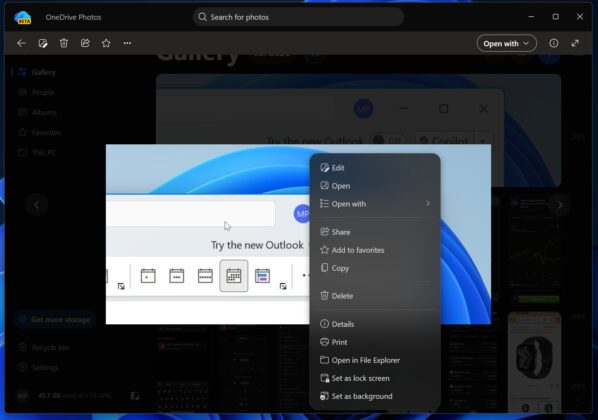
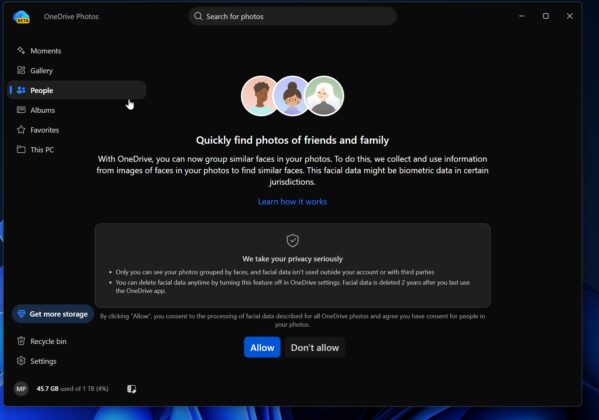
Additional features include:
- Unified management of both OneDrive and local storage.
- Search functionality capable of recognizing image content.
- OneDrive Moments, which groups older photos and displays them randomly.
- Options for creating albums and marking favorite images.
- The ability to prevent OneDrive from scanning specific locations on your PC.
How Did the OneDrive Photos App Arrive on Your PC?
Windows 11 comes pre-installed with several OneDrive-powered features. These include:
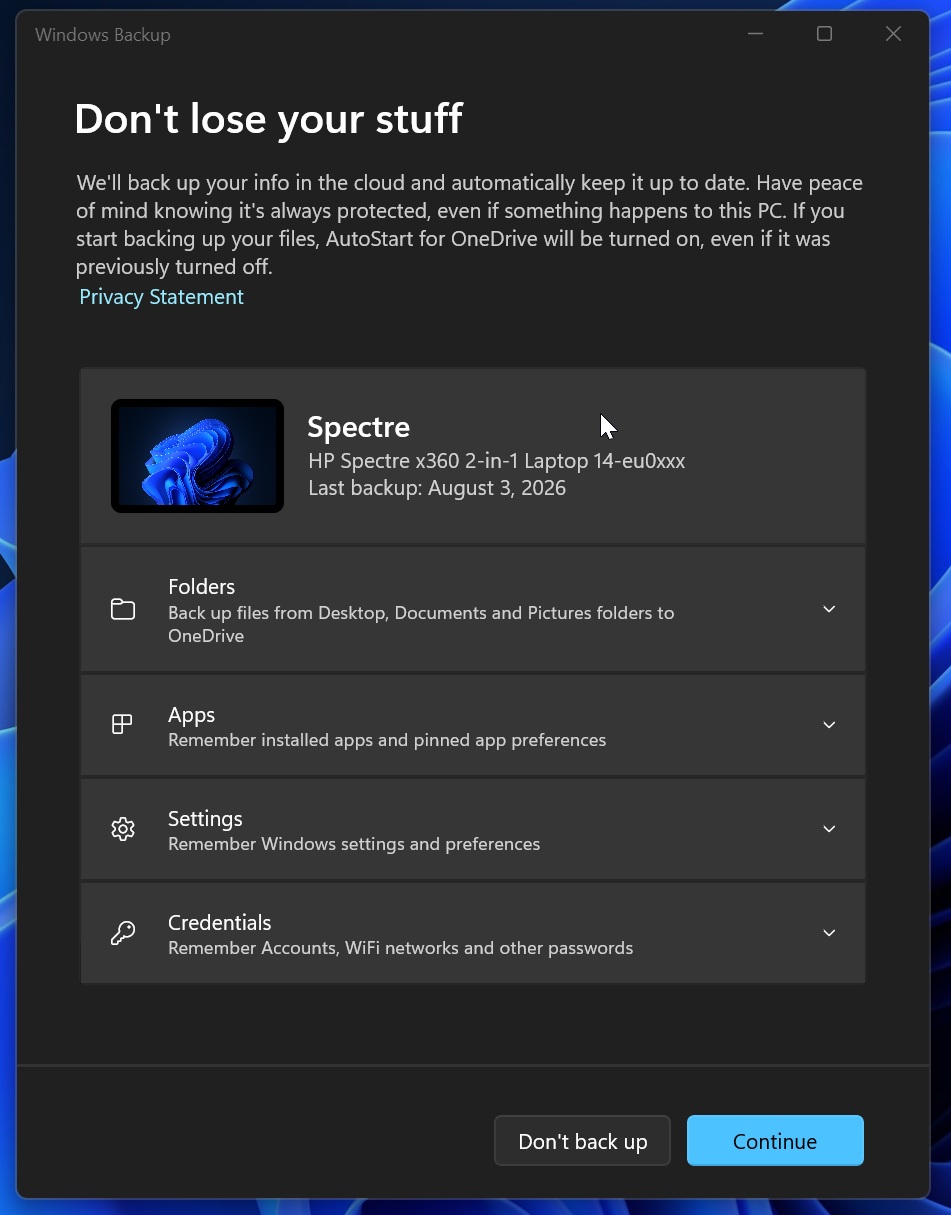
- Windows Backup: A feature that syncs personal folders, settings, and credentials like Wi-Fi passwords to OneDrive.
- OneDrive Sync: A background client that synchronizes files to OneDrive and, as observed, can silently install the OneDrive Photos app.
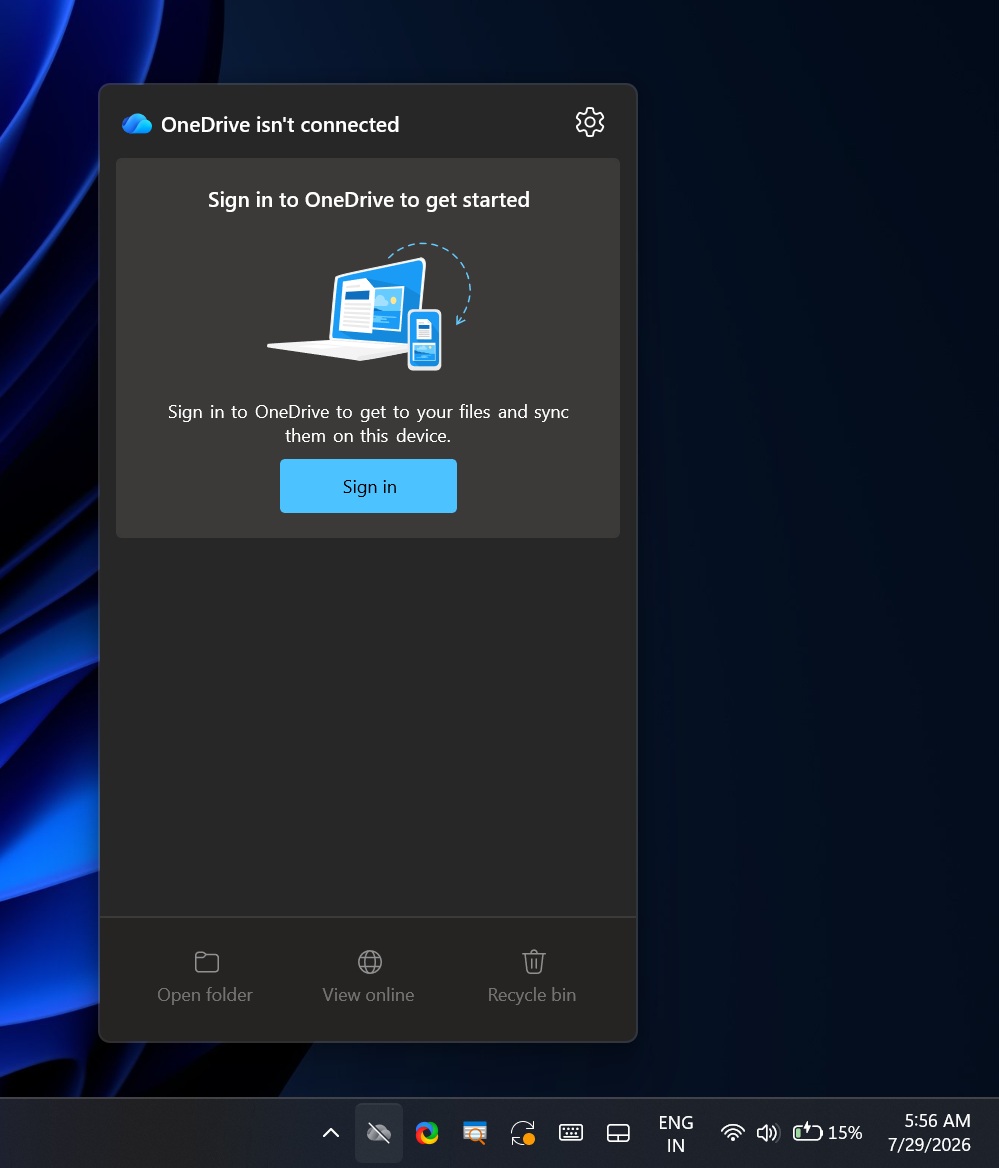
Even users who are not part of the Windows Insider Program or who do not actively use the OneDrive sync client may find the OneDrive Photos app installed on their PCs. This is because the app is bundled with the OneDrive sync client and is not provided as a standalone installer. This has led to significant frustration among enterprise IT administrators, particularly because the app appeared on Windows Enterprise PCs where it is not supported.
An IT administrator expressed their frustration to Windows Latest: “MS never learns. We manage hundreds of PCs using Intune, and all of them had this new ‘OneDrive Photos’ entry in the Start menu. How many mistakes will it take before they realize we don’t want random apps deployed across our organizations?”
MS has assured that a fix will be implemented to remove the app from unsupported enterprise PCs, although it will remain on consumer PCs.
How to Remove OneDrive Photos from Windows 11
Currently, you cannot uninstall OneDrive Photos without also removing the entire OneDrive sync client. Doing this will disrupt File Explorer integration and shortcuts. For now, the best option is to wait for an update that will allow for the independent removal of the Photos app.
If you still wish to proceed, you can uninstall OneDrive entirely by following these steps:
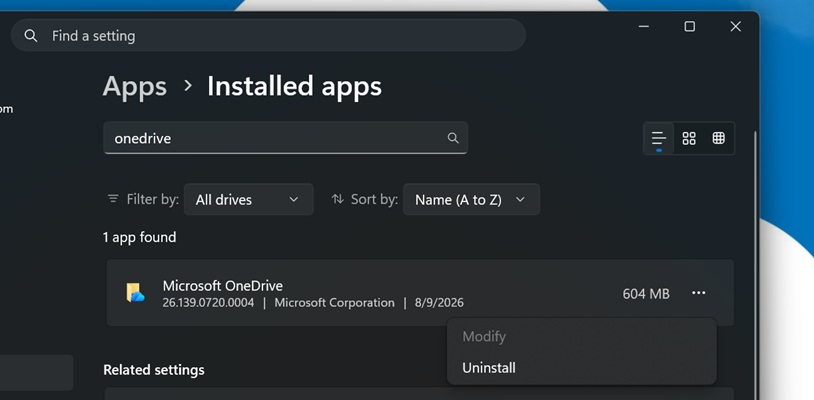
This process will remove both the OneDrive Photos app and the OneDrive sync client. MS has confirmed that a future update will provide options for removing the OneDrive Photos experience without affecting the main OneDrive app.
“We’re introducing options to uninstall the OneDrive Photos experience separately from the OneDrive app,” MS stated.
For further updates and detailed reporting, Windows Latest encourages readers to follow them on Google Discover and Google Search.
